Key Takeaways
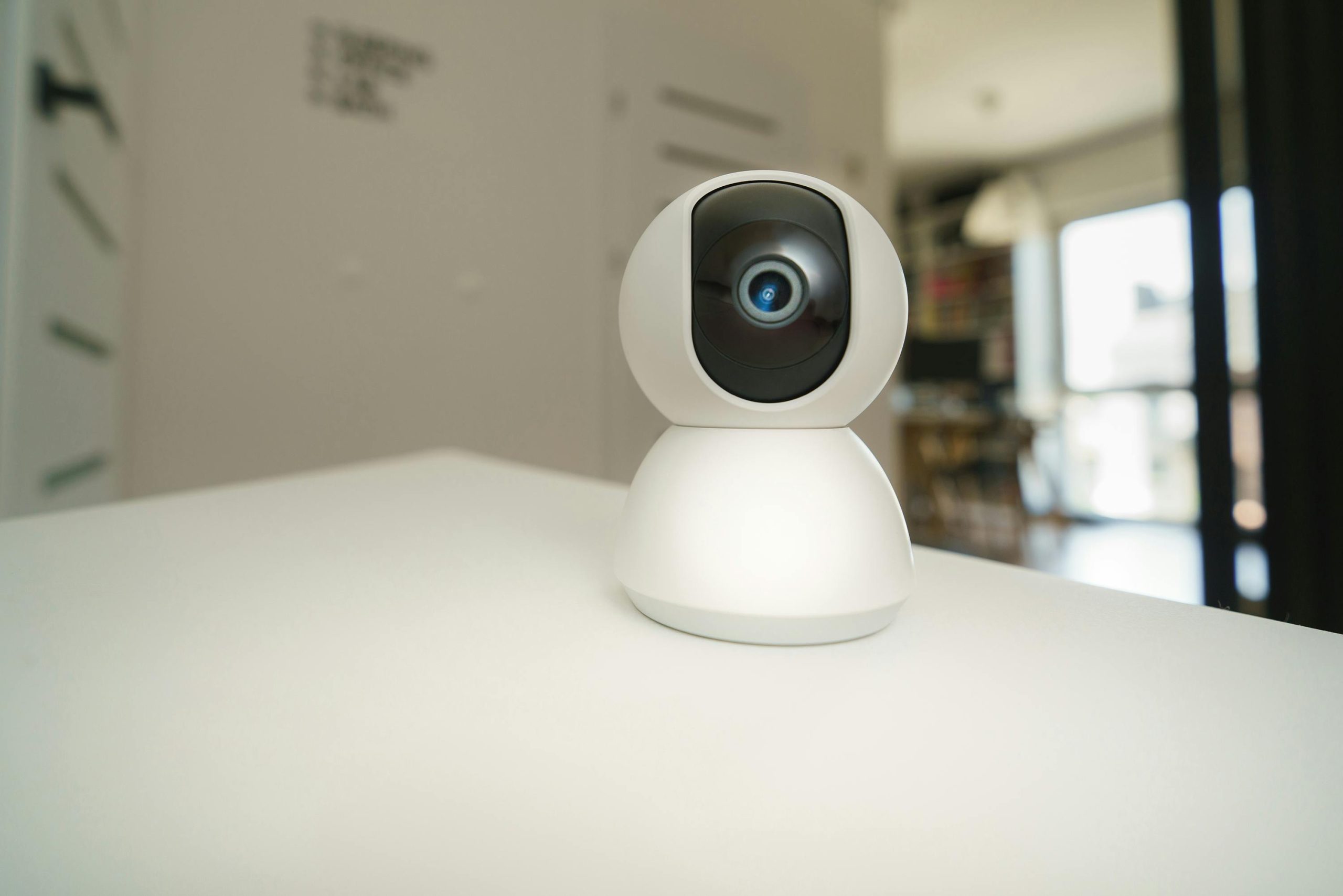
- Smart home security systems help beginners improve safety, convenience, and peace of mind using connected devices and mobile apps.
- A strong and secure Wi-Fi connection is essential for smart security devices to function properly.
- Starting with basic devices like video doorbells, cameras, smart locks, and motion lighting is an easy way to build a reliable security setup.
- Strong passwords, software updates, and secure home networks are important for protecting smart devices from hacking.
- Home automation routines can improve security by automatically controlling lights, locks, cameras, and alarms.
- Layered security using multiple devices and safety measures creates better overall home protection.
- Gradually expanding your smart security system allows homeowners to stay within budget and learn how each device works over time.
Home security has changed a lot in recent years. In the past, homeowners relied mostly on traditional locks, alarms, and outdoor lights to protect their property. Today, smart technology gives homeowners more control, convenience, and peace of mind than ever before.
Smart home security systems allow you to monitor your home from almost anywhere using your phone, tablet, or computer. You can receive alerts, watch live video footage, lock doors remotely, and even automate security features.
For beginners, smart home security may seem confusing at first. There are many devices, apps, and systems available, and choosing the right setup can feel overwhelming. The good news is that you do not need expensive equipment or advanced technical knowledge to improve your home’s security.
This guide will explain practical home security tips for beginners using smart technology while helping you understand the basics of creating a safer and smarter home.
Understand What Smart Home Security Means
Smart home security uses internet-connected devices to monitor and protect your property.
These devices often connect to:
- Wi-Fi networks
- Smartphone apps
- Voice assistants
- Smart home hubs
Unlike traditional security systems, smart devices allow homeowners to monitor their homes remotely and receive instant notifications.
Some common smart security devices include:
- Smart cameras
- Video doorbells
- Smart locks
- Motion sensors
- Smart alarms
- Window and door sensors
- Outdoor lighting systems
Many devices can also work together through automation routines.
Start With Strong Wi-Fi
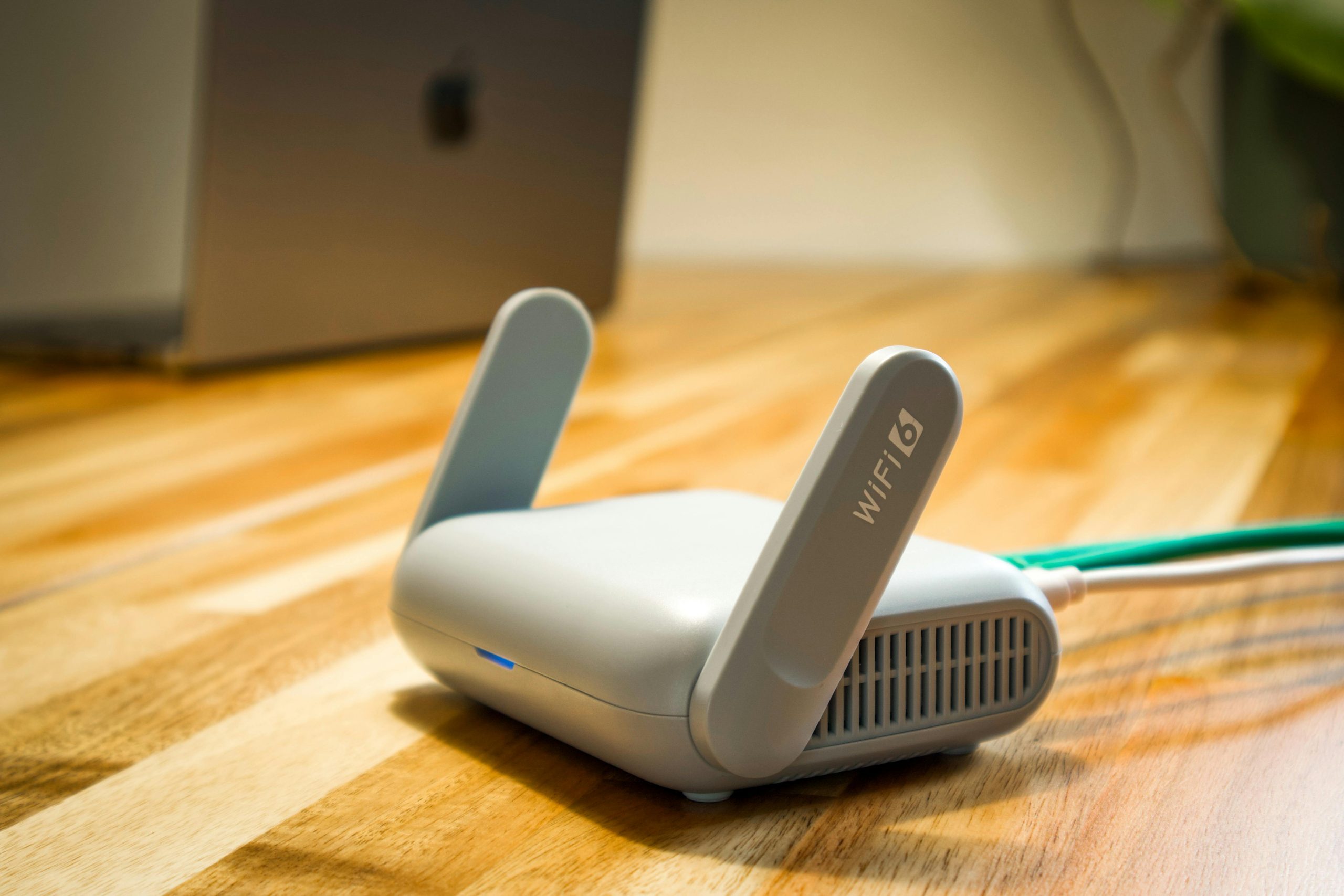
A reliable internet connection is the foundation of smart home security.
Most smart devices depend on Wi-Fi to:
- Send alerts
- Stream video
- Store recordings
- Connect to apps
Weak internet signals can cause:
- Delayed notifications
- Frozen video feeds
- Device disconnections
- Reduced security performance
Tips for Better Wi-Fi Coverage
- Place your router in a central location
- Upgrade outdated routers
- Use mesh Wi-Fi systems for larger homes
- Avoid placing routers behind thick walls
- Secure your network with a strong password
If your internet connection is unreliable, your security system may not work properly when you need it most.
Begin With the Most Important Areas
Beginners do not need to secure every inch of the house immediately.
Start with the highest-priority areas:
- Front door
- Back door
- Ground-floor windows
- Garage entrance
- Driveways
Focusing on entry points first helps improve security without overspending.
As your budget grows, you can expand your system later.
Install a Smart Video Doorbell
A smart video doorbell is often one of the easiest and most useful beginner devices.
Video doorbells allow you to:
- See visitors remotely
- Speak through two-way audio
- Receive motion alerts
- Record activity
- Monitor package deliveries
These devices improve convenience and help deter theft.
Many homeowners feel safer knowing they can check their front door anytime from their phone.
Use Smart Outdoor Lighting
Outdoor lighting is one of the simplest ways to improve home security.
Dark areas around a home can create hiding spots for intruders.
Smart Lighting Features
Smart outdoor lights can:
- Turn on automatically at night
- Activate when motion is detected
- Be controlled remotely
- Follow custom schedules
Motion-activated lighting can scare away unwanted visitors and improve visibility around entrances.
Pathway lighting and porch lights also help guests and family members move safely at night.
Add Smart Security Cameras
Security cameras are one of the most popular smart home upgrades.
Modern smart cameras offer:
- Live video streaming
- Motion detection
- Night vision
- Cloud storage
- Smartphone alerts
Indoor vs. Outdoor Cameras
Indoor Cameras
Indoor cameras are useful for:
- Monitoring pets
- Watching children
- Checking activity inside the home
Outdoor Cameras
Outdoor cameras help monitor:
- Driveways
- Yards
- Front doors
- Garages
- Side entrances
When placing cameras, focus on areas with clear visibility and minimal obstructions.
Protect Your Smart Devices With Strong Passwords
One of the biggest mistakes beginners make is using weak passwords.
Smart devices connected to the internet can become vulnerable if not properly secured.
Password Safety Tips
- Use long passwords
- Avoid common words
- Use unique passwords for each account
- Enable two-factor authentication
- Change passwords regularly
Strong cybersecurity is just as important as physical home security.
Lock Doors With Smart Locks
Smart locks offer convenient and flexible access control.
Instead of traditional keys, smart locks may use:
- PIN codes
- Smartphone apps
- Fingerprints
- Voice commands
Benefits of Smart Locks
- Lock or unlock doors remotely
- Create temporary guest codes
- Receive notifications when doors open
- Avoid lost keys
Smart locks are especially useful for:
- Families
- Rental properties
- Frequent travelers
However, always keep backup entry options available in case of power or internet outages.
Use Window and Door Sensors
Door and window sensors are simple but effective security tools.
These sensors alert you when:
- Doors open unexpectedly
- Windows are opened
- Someone enters restricted areas
Many systems can trigger:
- Alarm sounds
- Smartphone alerts
- Camera recordings
Sensors are affordable and beginner-friendly, making them a good starting point for smart security systems.
Create Smart Home Automation Routines
Automation makes smart security systems more effective and convenient.
Homeowners learning how to automate your home often start with simple security routines.
For example:
- Lights turn on automatically at sunset
- Doors lock at bedtime
- Cameras activate when motion is detected
- Alarms arm automatically when you leave home
Automation reduces the chance of forgetting important security tasks.
Even simple routines can improve protection significantly.
Avoid Oversharing Online
Smart technology improves security, but online habits also matter.
Avoid posting:
- Vacation plans
- Travel schedules
- Empty home updates
- Expensive purchases
Public social media posts can unintentionally make homes more vulnerable.
Wait until returning home before sharing vacation photos or travel updates.
Use Smart Smoke and Carbon Monoxide Detectors
Home security includes more than protection from theft.
Smart smoke and carbon monoxide detectors improve household safety by sending alerts directly to your phone.
These devices can notify you even when you are away from home.
Some smart detectors also:
- Connect with alarms
- Trigger emergency lighting
- Send maintenance reminders
Early warnings can help prevent major damage and improve family safety.
Keep Software Updated
Smart devices regularly receive software and firmware updates.
These updates often fix:
- Security vulnerabilities
- Software bugs
- Connection issues
- Performance problems
Ignoring updates can leave devices exposed to hacking or malfunctions.
Enable automatic updates whenever possible.
Secure Your Smart Home Network
Your home network connects all smart devices together.
If hackers access your Wi-Fi network, they may also gain access to connected devices.
Network Security Tips
- Change default router passwords
- Use WPA3 or WPA2 encryption
- Create a guest network for smart devices
- Disable unused network features
- Restart routers occasionally
Separating smart devices from personal computers can add another layer of protection.
Understand Cloud Storage Costs
Many smart cameras and security systems use cloud storage for video recordings.
Some systems offer:
- Free limited storage
- Monthly subscription plans
- Local storage options
Before buying devices, compare:
- Video quality
- Storage duration
- Monthly fees
- Download options
Hidden subscription costs can add up over time.
Place Security Signs and Stickers
Visible security signs can discourage potential intruders.
Even simple window stickers or yard signs may reduce the chance of break-ins.
Combined with cameras and lighting, visible security devices make homes less attractive targets.
Avoid Buying Too Many Devices at Once
Beginners sometimes purchase too many devices immediately, leading to confusion and setup problems.
Instead:
- Start with one or two devices
- Learn the apps and settings
- Expand gradually
A small but reliable setup is better than a large system that becomes difficult to manage.
Think About Power Backup
Some smart devices stop working during power outages.
Consider:
- Battery backups
- Rechargeable devices
- Backup internet options
Battery-powered cameras and sensors continue working during short outages, improving reliability.
Protect Package Deliveries
Package theft has become increasingly common.
Smart technology can help protect deliveries through:
- Video doorbells
- Motion alerts
- Smart lock delivery access
- Outdoor cameras
Some homeowners also install lockboxes or delivery containers for extra protection.
Use Timers When Traveling
Empty homes are often easier targets for theft.
Smart devices can help homes appear occupied while you are away.
Use timers or automation for:
- Lights
- TVs
- Music
- Outdoor lighting
Randomized schedules can make activity appear more natural.
Consider Privacy Inside the Home
Indoor cameras can improve security, but privacy matters too.
Avoid placing cameras in:
- Bathrooms
- Private bedrooms
- Areas where guests expect privacy
Always inform household members about indoor security devices.
Respectful placement helps balance security and comfort.
Learn Device Compatibility Before Buying
Not all smart devices work together.
Before purchasing products, check compatibility with:
- Amazon Alexa
- Google Home
- Apple HomeKit
- Samsung SmartThings
Using compatible devices creates smoother automation and easier management.
Think About Security During Renovations
Security planning is especially important during remodeling or planning your dream custom home.
New construction and renovation projects provide opportunities to:
- Pre-wire security systems
- Add smart lighting
- Install hidden cameras
- Improve door and window placement
- Create stronger entry points
Planning security early often saves money and improves long-term convenience.
Use Layered Security
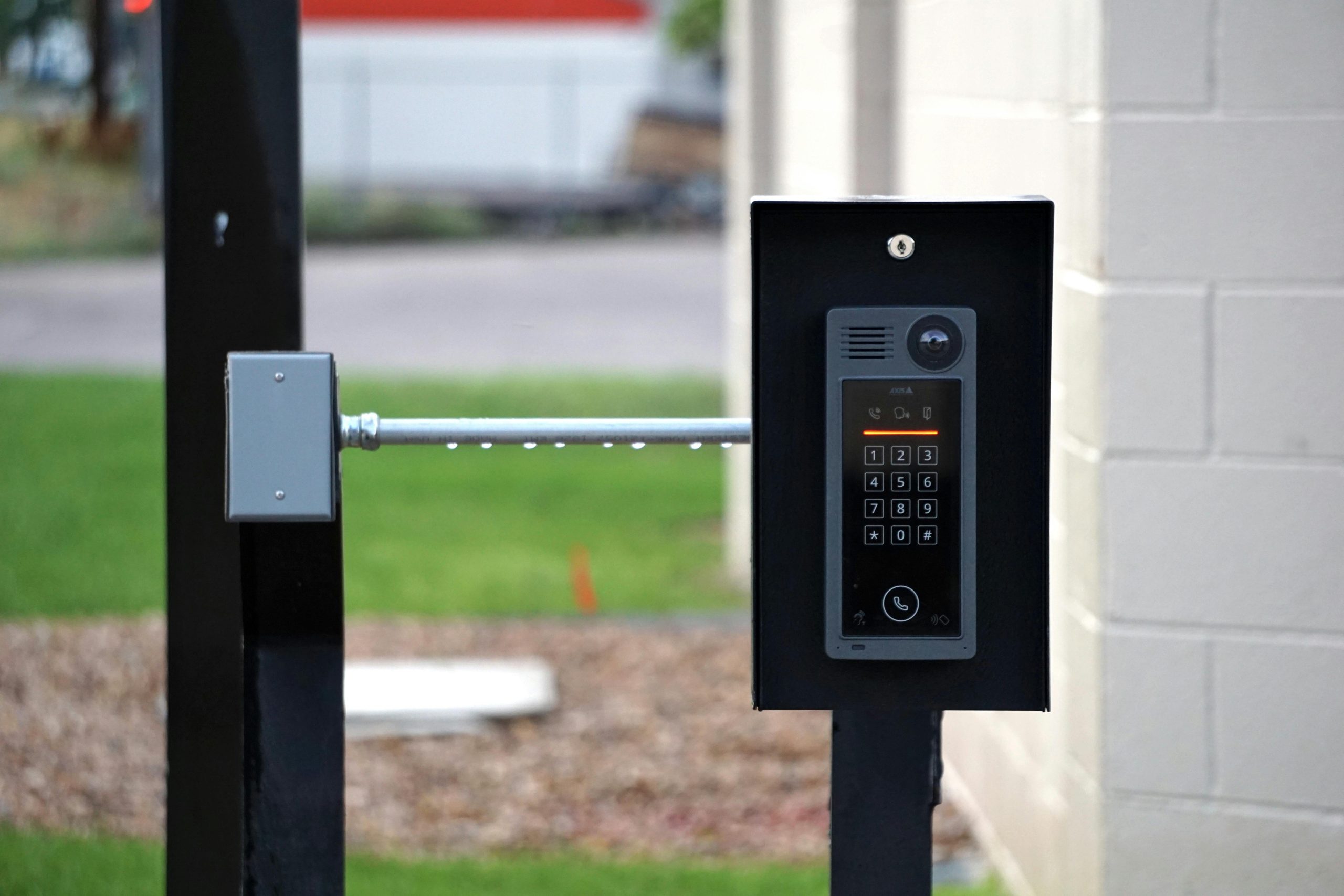
The best home security systems use multiple layers of protection.
A layered approach may include:
- Cameras
- Motion lights
- Smart locks
- Alarm systems
- Strong passwords
- Window sensors
No single device can provide complete protection on its own.
Combining different tools creates stronger overall security.
Teach Family Members How to Use the System
Even the best security setup will not help if household members do not understand how to use it.
Teach everyone:
- How to arm alarms
- How to lock doors remotely
- How to respond to alerts
- How to use emergency features
Simple instructions improve safety for the entire household.
Create Emergency Plans
Technology is useful, but preparation also matters.
Create plans for:
- Fire emergencies
- Break-ins
- Severe weather
- Power outages
Store emergency contacts in accessible locations and discuss safety procedures with family members.
Final Thoughts
Smart home security can feel overwhelming for beginners, but starting small makes the process easier and more manageable. Devices like video doorbells, smart locks, cameras, and motion lighting can improve safety, convenience, and peace of mind without requiring advanced technical skills.
The key is to focus on reliable internet, strong passwords, good device placement, and gradual upgrades. Smart technology works best when combined with practical habits and thoughtful planning.
Over time, homeowners can build a smart security system that fits their needs, budget, and lifestyle while creating a safer and more connected home environment.